
On TikTok Shop, the sellers who post the most product videos tend to sell the most, so the real constraint is how many good videos you can publish. You don't need studio production. You need a few repeatable formats, a way to record many takes in one sitting, and an editing step that doesn't eat your week.
This guide is for sellers who appear on camera themselves: small brands, resellers, and owners who know their product better than any agency. It covers the formats that work for product videos, how to record a week of them at once, and where automatic editing saves the hours.
Why volume matters on TikTok Shop
TikTok Shop sells through the feed: a viewer watches a short video, taps the product link, and pays without leaving the app. Every video is another chance to be shown to a buyer, which is why output matters so much.
A Marketplace Pulse analysis of about 150,000 US TikTok Shop sellers, reported by InvestNews in October 2026, found that the 8% of sellers with more than 1,000 videos accounted for about 60% of estimated sales, while the 39% with 50 videos or fewer accounted for about 5%. That is a correlation, not a promise: bigger sellers also have more stock and budget. But the pattern is clear enough. Sellers who keep posting give the feed more to work with.
TikTok Shop is live in the United States, the United Kingdom and much of Europe including Spain, in Mexico since February 2025 and in Brazil since May 2025 (checked October 23, 2026). Check the Seller Center for your country before you plan around it.
Five product video formats that work
Each format below is short (20 to 45 seconds), shows the product in your hand, and leads with the reason someone would buy.
1. Problem, then product
Open with the problem your product solves, then show it solving it.
- Hook: "If your skin feels tight by noon, try this."
- Body: the problem in one sentence, the product in hand, one demonstration.
- Close: what the viewer gets, and that the link is in the video.
2. Three reasons
The simplest format to repeat. One product, three reasons, one line each.
- Hook: "Three reasons this is the only water bottle I carry."
- Body: reason one, two, three, each with the product visible.
- Close: the reason that matters most, repeated.
3. First look or unboxing
Open the package on camera and react honestly. Viewers trust a first impression more than a pitch.
- Hook: "This just arrived, and I wasn't expecting this."
- Body: what's in the box, the detail that surprised you, the size in your hand.
4. Before and after, or side by side
Show the difference the product makes, or compare it with what people use now.
- Hook: "Same shirt, two washes. Watch the left one."
- Body: the comparison, slowly enough to see.
5. Answer a comment
Reply on camera to a real question from your comments or messages. It answers the doubts that stop people from buying, and it gives you a steady source of ideas.
- Hook: read the question aloud.
- Body: a straight answer, the product in hand, one proof.
For more opening lines, see how to write a hook for the first seconds of a short-form video.
Record a week of videos in one session
Editing isn't the only thing that eats time. Setting up does too. Record many videos at once:
- Pick five to ten products and write one line per video: the format and the hook.
- Set up once: light in front of you, the phone at eye level and vertical, a quiet room. See how to record a talking-head video on your phone.
- Record every video back to back. When you stumble, pause and repeat the whole sentence. Don't stop to start over.
- Take close-ups after the talking takes: the label, the texture, the product in use. They become cutaways in the edit.
Let the editing keep up
A session like that leaves you with dozens of raw takes: pauses, restarts, repeated lines. Editing them by hand is where most sellers fall behind.
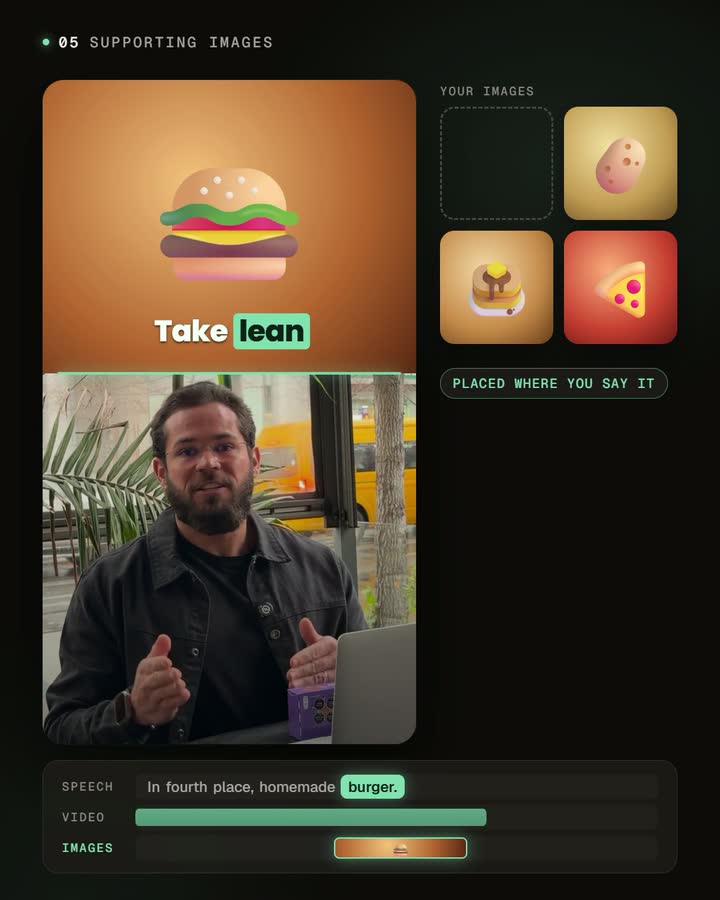
Automatic editing removes the dead air and repeated takes, adds captions, frames the shot for 9:16 and returns a finished vertical video. Captions matter more than usual here: many people browse with the sound off, and a product name they can read is a product name they can search.
Stay within the rules
TikTok Shop has its own content and product policies, and they are stricter than for ordinary posts. Show the real product, don't make health or results claims you can't back up, and follow the platform's rules for discounts, prices and disclosures. When in doubt, read the policy in your Seller Center before posting rather than after a video is removed.
Before you publish
- The hook names the product's benefit in the first two seconds.
- The product is visible while you talk about it.
- Captions are correct, especially the product name and any numbers.
- Nothing important sits under the app's buttons or the product link.
- The video ends on one clear reason to buy.
For a fuller pass, use the video review and publishing checklist.
Frequently asked questions
Do I need to show my face?
No, but it helps. A person holding the product and talking to the camera builds more trust than product footage alone, and it's faster to make.
How many videos should I post?
More than feels comfortable at first. Start with one a day for two weeks, see which formats and products get views, and then make more of those.
Can one recording become several videos?
Yes. Record each reason or answer as its own short take; each one can become a separate video.
Does CutAgent publish to TikTok Shop or add product links?
No. CutAgent edits the video. You download it, post it on TikTok and tag the product in TikTok Shop.
Which languages do the captions support?
Captions follow the language you speak in the video.
Start with three products
Pick three products, record the "three reasons" format for each in one session, and let automatic editing handle the cuts and captions. Post them over the week, then double down on the format that gets the most views.


