
Your phone is enough to record a good talking-head video. What separates a clip people watch from one they skip is rarely the camera. It's light on your face, sound people can understand, and a frame that works in vertical. All three are free to get right.
Light: face the window
- Put the light in front of you. A window you face is the best free light there is. Light from behind turns you into a silhouette.
- Avoid overhead light alone. It casts shadows under the eyes. Add light from the front, even a lamp bounced off a wall.
- Keep it steady. Record when the light won't change mid-session, or use a lamp so every take matches.
Sound: get the microphone close
People forgive a soft image far more easily than bad sound, and automatic editing relies on clear speech to find words, pauses, and retakes.
- Choose a quiet, soft room. Rugs, curtains, and furniture absorb echo; empty rooms with hard walls ring.
- Get closer to the microphone. A clip-on microphone is the most effective low-cost upgrade. Without one, keep the phone within an arm's length.
- Turn off the noise. Fans, air conditioning, and notifications all end up in the recording.
Framing: think vertical from the start
- Record in 9:16 when you can. If you record horizontally, leave room around you so a vertical crop still keeps your face and hands.
- Eyes in the upper third. Leave a little space above your head, and keep your face away from the very bottom, where captions and app buttons sit.
- Phone at eye level. Use a stand or a stack of books. Looking down at the lens rarely flatters anyone.
- Use the rear camera if you can. It's usually sharper than the front one. Record a short test and check focus before the real take.
Delivery: talk to one person
- Look at the lens, not the screen. The lens is your viewer's eyes.
- Lead with the point. Say the most interesting sentence first; see how to write a hook.
- Use notes, not a script. Three bullet points keep you on track and still sound natural.
- Talk a little slower than feels normal. Recorded speech always sounds faster on playback.
Mistakes are fine: keep recording
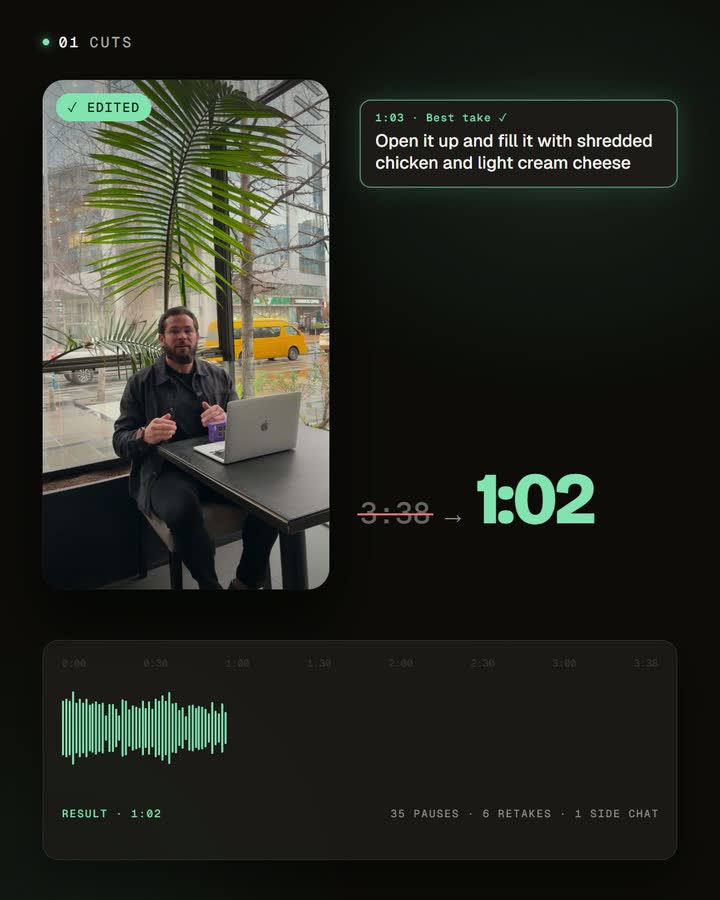
You don't need a perfect take. When you stumble, pause, then repeat the whole sentence and keep going. With automatic editing, silences and retakes are removed for you and only the best version of each line stays. That frees you to record loose and fast, which usually sounds more natural anyway.
A quick checklist before you press record
- Light in front of you, not behind.
- Quiet room, microphone close, notifications off.
- Phone at eye level, vertical, lens clean.
- Three bullet points ready, first sentence decided.
- A ten-second test recording checked for focus and sound.
Frequently asked questions
Do I need a microphone?
Not to start, but it's the most noticeable upgrade. A clip-on mic beats any new phone for voice.
Should I use the front or rear camera?
The rear camera is usually sharper. Use the front camera when you need to see yourself, and check the framing first.
How long should one recording be?
Long enough to say one idea well, plus room for retakes. The edit makes it shorter.
What if I mess up in the middle?
Pause, repeat the whole sentence, and keep going. The repeated take can be cut automatically.
Record your first take
Set up by a window, check a ten-second test, and record one idea with three bullet points. Then let automatic editing turn it into a finished short.


