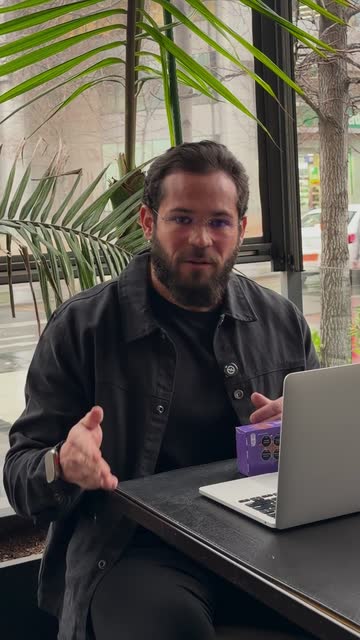
Only the best take stays.
Removes pauses, retakes, and off-camera talk automatically.
Add your talking-head clips, review the result, and download the finished short-form video.
Editing the same kind of video, over and over, is a waste of your time.
Removes pauses, retakes, and off-camera talk automatically.
Finds your face and frames every segment for vertical video.
Transcribes your speech and adds synced captions in the style and color you choose.
Zooms in at the right moment to keep the rhythm and highlight what matters.
Places your images exactly when you talk about them.
Review, adjust if you want, and download it ready for Reels, Shorts, and TikTok.
CutAgent delivers the finished edit on its own. Want something different? Change the caption style, a cut, an image or the framing in the editor. The rest of the edit stays put.
Pick a style or make it yours: font, colors, highlight, position and animation. The preview updates as you go.
Or design your own
See where each image or clip lands. Move it earlier or later, swap it, or remove it.
No. Upload your clips and CutAgent makes the edit: it keeps the best takes, frames you, and adds captions, zooms and your images. The editor is there only if you want to change something.
Videos where you talk to the camera: tips, explanations, reviews and stories. Record one or several takes; pauses, retakes and mistakes are cut out.
Yes. CutAgent detects the language you speak and captions your words as you say them.
Yes. CutAgent runs in the browser on your phone or computer, with nothing to install.
They are used to make your edit. CutAgent does not use your raw videos or transcripts to train general AI models, and deleting your account removes your content within 24 hours.
CapCut is a manual editor: you build the edit yourself on a timeline. Opus Clip cuts short clips out of long videos. CutAgent takes the raw takes you recorded for a short and returns the finished video, with an editor only if you want it.
A vertical video with captions, ready to post on Reels, Shorts and TikTok.