
A talking-head video needs a clear point, understandable speech, and pacing that serves the message. Automatic editing can help tighten a loose recording. Review the result to keep useful pauses and ensure that cuts do not change what you meant.
New to this? Start with making short-form videos without editing skills.
What makes a talking-head video work
- A hook in the first second. State the payoff up front; don't warm up.
- Deliberate pacing. Remove distracting false starts, but keep pauses and breaths when they help the meaning.
- One clear point. A short should say one thing well.
- Readable captions. Help viewers who cannot hear the audio follow the speech.
- Vertical framing. You should sit comfortably inside a 9:16 crop.

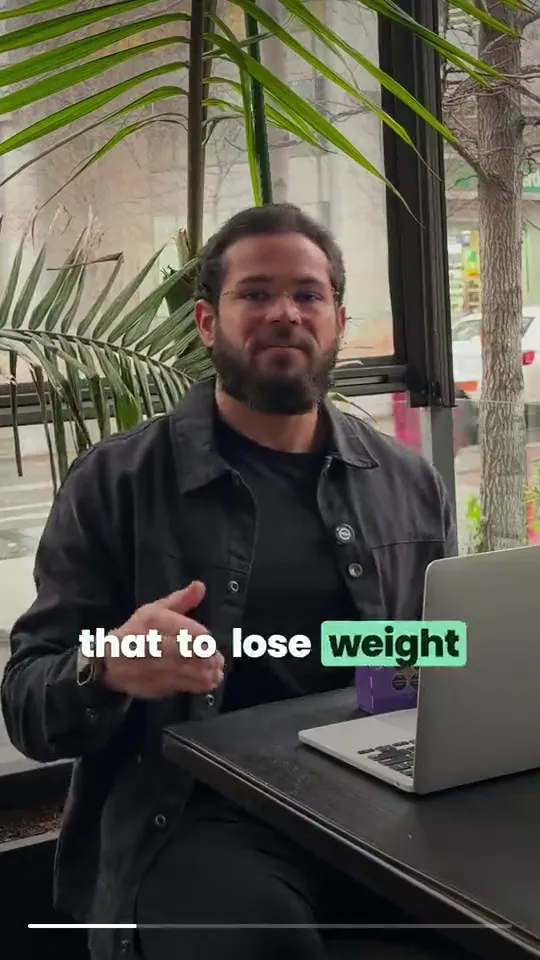
1. Record loose, on purpose
Counterintuitively, don't try to nail it in one clean take. Talk a little long, restart when you fumble, and keep going — the editor's strength is subtraction, so give it raw material to cut. Clear audio matters more than a flawless delivery.
2. Let automatic editing tighten it
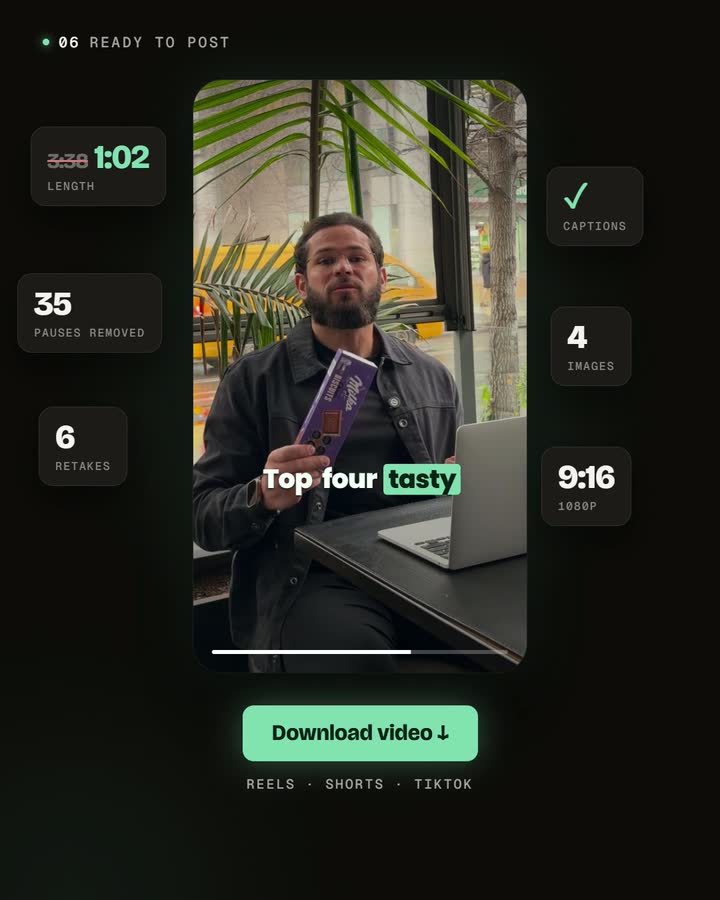
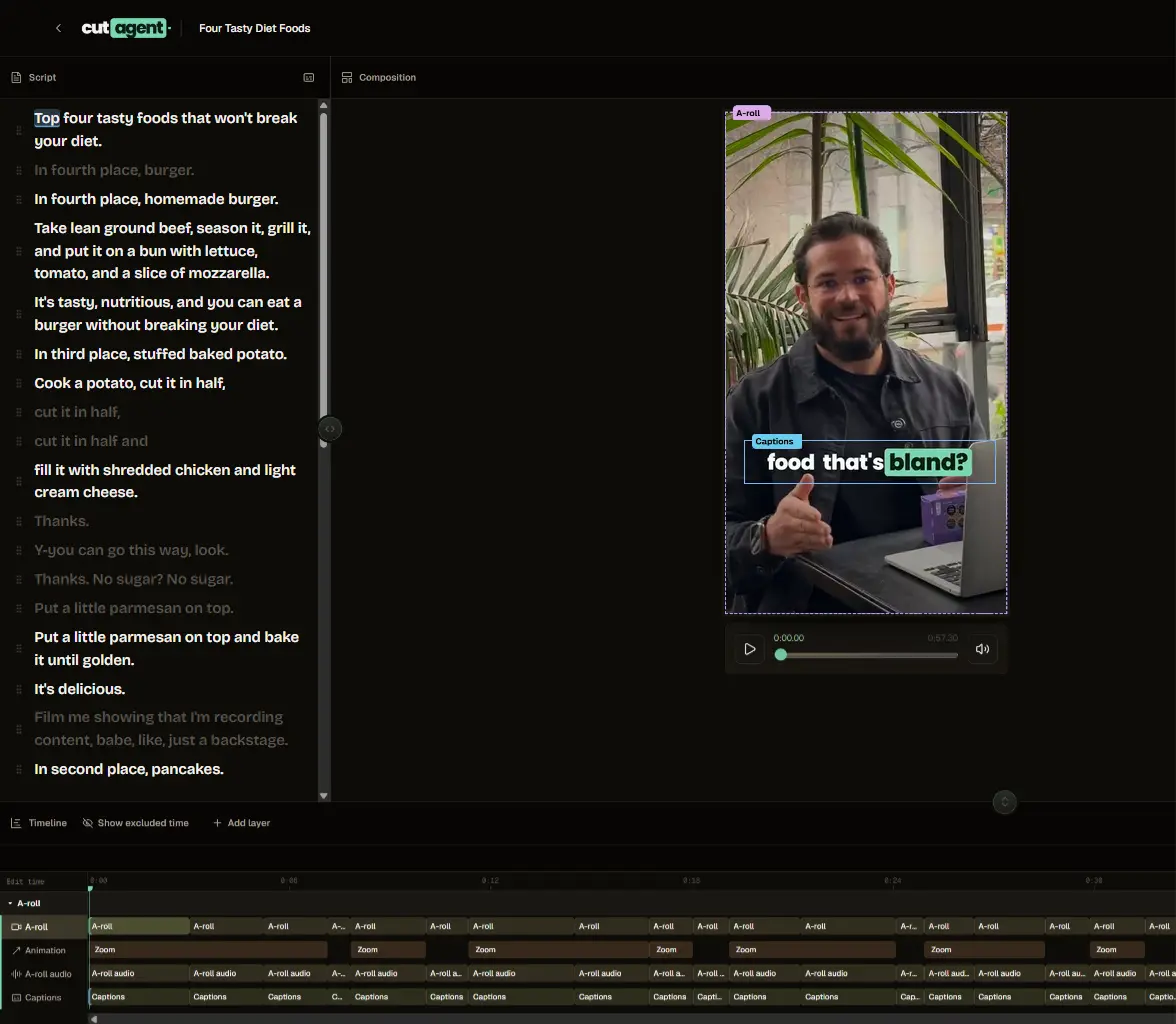
Upload the source take and choose your editing inputs. CutAgent can create an edited video with captions from that material. Review the pacing and transcription; the final duration and amount of correction depend on what you recorded.
3. Put the hook first
If the clearest statement of the point is buried in the recording, try using it as the opening or record a new introduction. Keep any context needed for the statement to remain accurate.
4. Caption and proofread
Captions come out of the automatic edit; read them once for your name, brand terms, and any jargon. Accurate captions are part of clarity, not an afterthought.
5. Consider light b-roll — but don't depend on it
A talking-head clip can be carried by the words alone. B-roll can add texture, but it's optional; a clear point beats decorative footage. (See how to plan and place useful b-roll.)
6. Review with a stranger's eyes
Watch it cold: is the hook first, does the pacing drag anywhere, did a cut clip a word, are the captions right? This pass is where your judgment earns its keep.
Frequently asked questions
Do I need to memorize a script?
No — talk naturally and a bit long; the editor cuts the mess.
How long should a talking-head short be?
Long enough for one point, short enough to stay tight — usually well under a minute.
Can automatic editing fix a boring take?
It can tighten pacing, not add substance. The idea is still yours.
Do I need b-roll?
No; it's optional texture, not a requirement.
Record one and tighten it
Record one idea, create an automatic edit, and compare the result with the original meaning. Correct captions, check that pauses still sound natural, and review the full export before publishing.


