
Start with automatic captions, then verify their accuracy, timing, and readability. Captions help people follow speech when they cannot hear the audio. An automatic transcript is a draft to review, not proof that the video is accessible.
Why captions matter more than they seem
- Silent viewing. Captions help when a viewer chooses to mute the video or cannot listen.
- Accessibility. Include meaningful sounds and speaker identification where needed, as well as speech. See W3C caption guidance (checked September 11, 2026).
- Comprehension and reach. Clear text helps everyone follow — especially fast talkers and unfamiliar accents.
1. Generate captions automatically
An automatic editor transcribes your speech and produces synced captions in one step — no typing, no manual timing. Tools such as CutAgent do this as part of the edit; a useful example of the automatic path. That removes the tedious part, and what's left is quality control.
2. Proofread names, brands, and jargon
Compare the entire caption text with the audio. Check names, numbers, negation, and technical terms carefully. For example, omitting “not” from “do not mix” reverses the instruction. Correct the wording and replay the line in context.
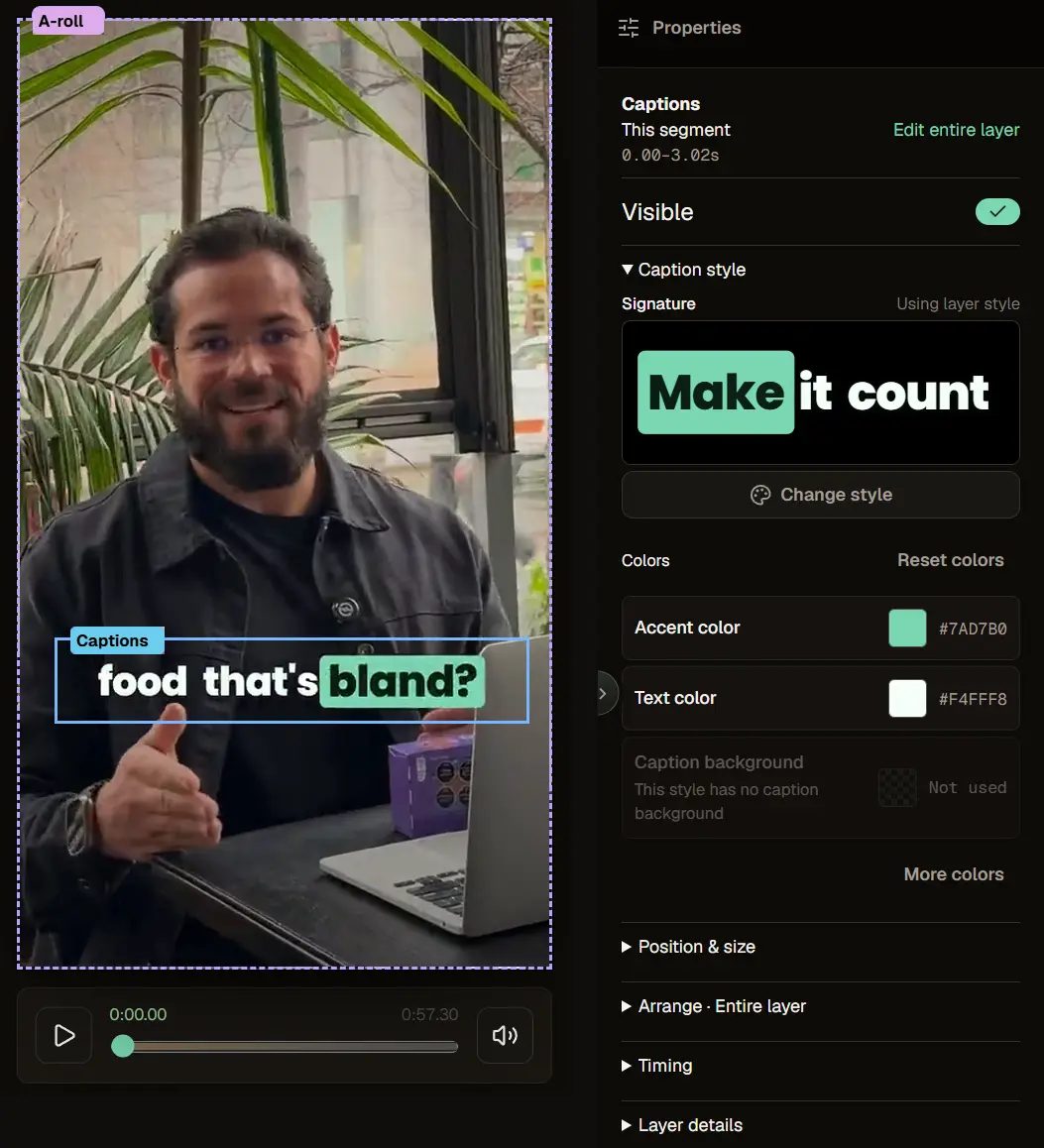
3. Keep them readable
Accurate isn't enough; captions have to be easy to read at a glance:
- Short lines. One or two lines at a time, not a paragraph.
- In sync. Words should appear with the speech, not lag behind or race ahead.
- Well placed. Keep them clear of the platform's UI — the bottom bar and the side buttons — so they aren't covered.
- High contrast. Legible over any background; a subtle backing or outline helps.
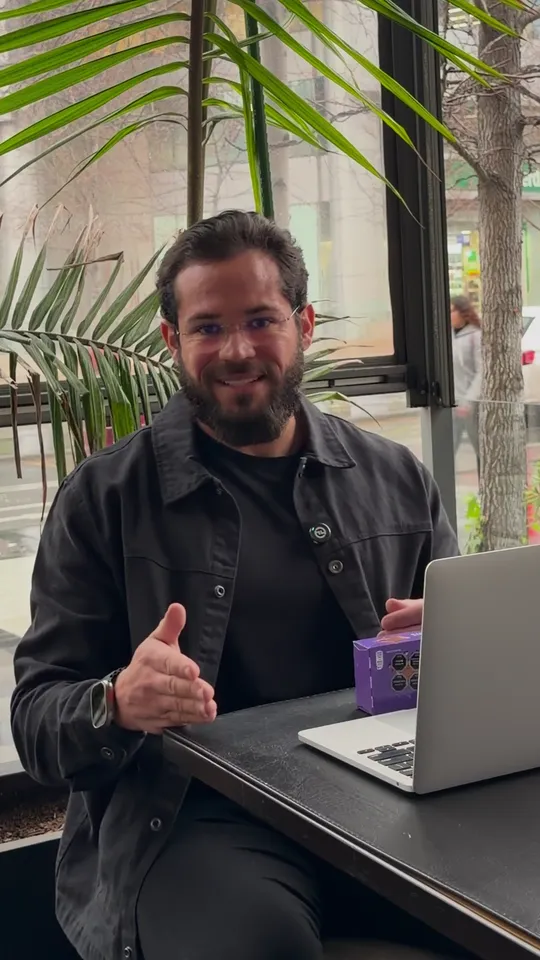
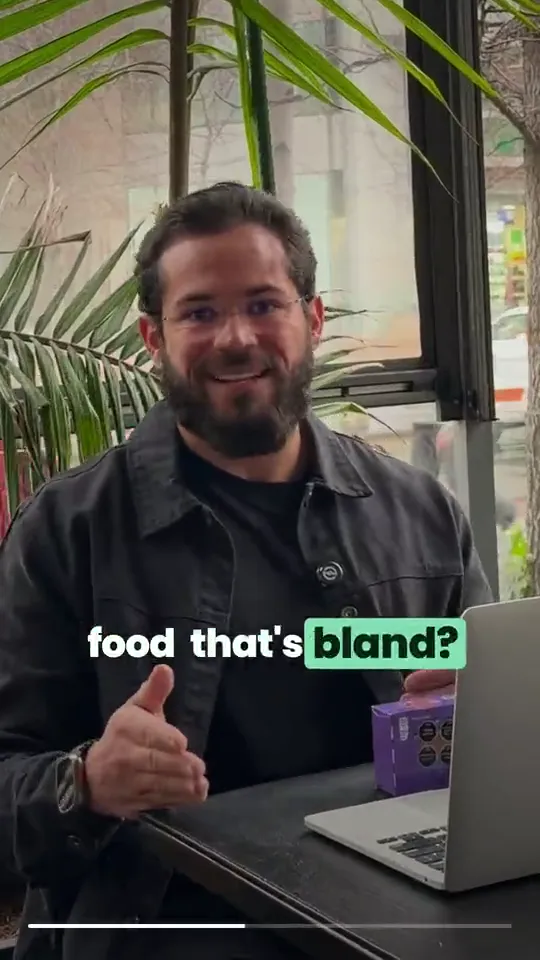
4. Don't over-style them
Animated, word-by-word, multi-color captions are popular, but motion for its own sake can hurt readability. Style should serve legibility first. If an effect makes the words harder to read, it's costing you the very viewers who are muted.
5. Localize when it's worth it
If you post to more than one language audience, captions — and translated captions — widen your reach. Keep each language a real, reviewed caption track, not a machine translation dropped in unread.
6. Review on a phone
Captions look different on a small screen than in your editor. Check a clip on an actual phone: readable size, not covered by the UI, in sync, and correct.
Frequently asked questions
Do I have to type captions myself?
No — automatic captions generate them; you proofread.
Why are some words wrong?
Auto-transcription slips on names, jargon, and heavy accents. Clear audio reduces it.
Where should captions sit?
Clear of the platform's on-screen buttons and bottom bar so nothing covers them.
Are fancy animated captions better?
Only if they stay readable. Style should serve legibility, not fight it.
Caption your next clip
Generate a first pass for your next clip, compare every line with the audio, and check the exported result on a phone. Review at normal playback speed and allow enough time to correct mistakes. Finish with the publishing checklist.


